Announcements
Discord welcome messages with Cakey Bot - Greet members, assign roles, send DMs automatically. Custom welcome setup guide.
Overview
Cakey Bot can automatically post custom messages when users join/leave or are banned. You can have Cakey Bot announce for one or all of these events and set different messages (or image banners) for each event.
Enable/Disable Announcements
In order to start posting announcements, you will need to designate a text channel as the announcement channel. You can do this by setting it in the web dashboard. In order to disable announcements, simply select "None" instead of a specific channel in the dropdown.
Supported announcement event types:
- User Joined
- User Left
- User Banned
- User Boosted the server
Cakey Bot will need access to Send/Read messages in the channel you designate for announcements. Cakey Bot may also require Use External Emoji permission if you include external emojis in the announcement messages.
Send as DM Toggle
You can also toggle an option called "Send as DM". When enabled this setting will attempt to send any configured message, image and embeds via the user's DMs. This setting is separate from the regular channel sending, this means it can can be configured in any of these 3 ways:
- Send message only in server channel
- Send message only in DM
- Send message in DM & in channel
Note: DMs for the user leave event will likely fail 90% of the time due to the user likely no longer sharing any servers with Cakey Bot.
Due to Discord limitations DMs will sometimes fail to send to users and should not be considered guarenteed to be sent. For example, some user's privacy settings may block randfom DMs from bots, or the user may have the bot blocked.
Message Announcements
You can set/modify messages and the announcement channel via our web dashboard. Just log in, select a server, and head on over to the "Announcements" page. Once here you can select a channel as well as setting the custom message. You can set a message for any one of these events, some of them or all of them. You can also set different channels for each event type.
Each of the Join, Leave, Ban, and Boost announcement messages is limited to 4,000 characters.
In order to have Cakey Bot send the messages, you will have to set a channel for Cakey Bot to post to. You can find more information about this below.
Image Banner Announcements
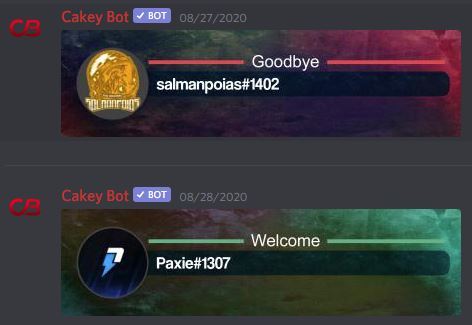
You can also use a fancy banner picture for your join/leave announcements too! In order to set an image banner as your join/leave message just toggle the "Image Banner" setting to enabled. Premium servers also have access to a wider selection of image banners for their announcements.
Default join/leave banner images:=
Our fancy image banner editor:
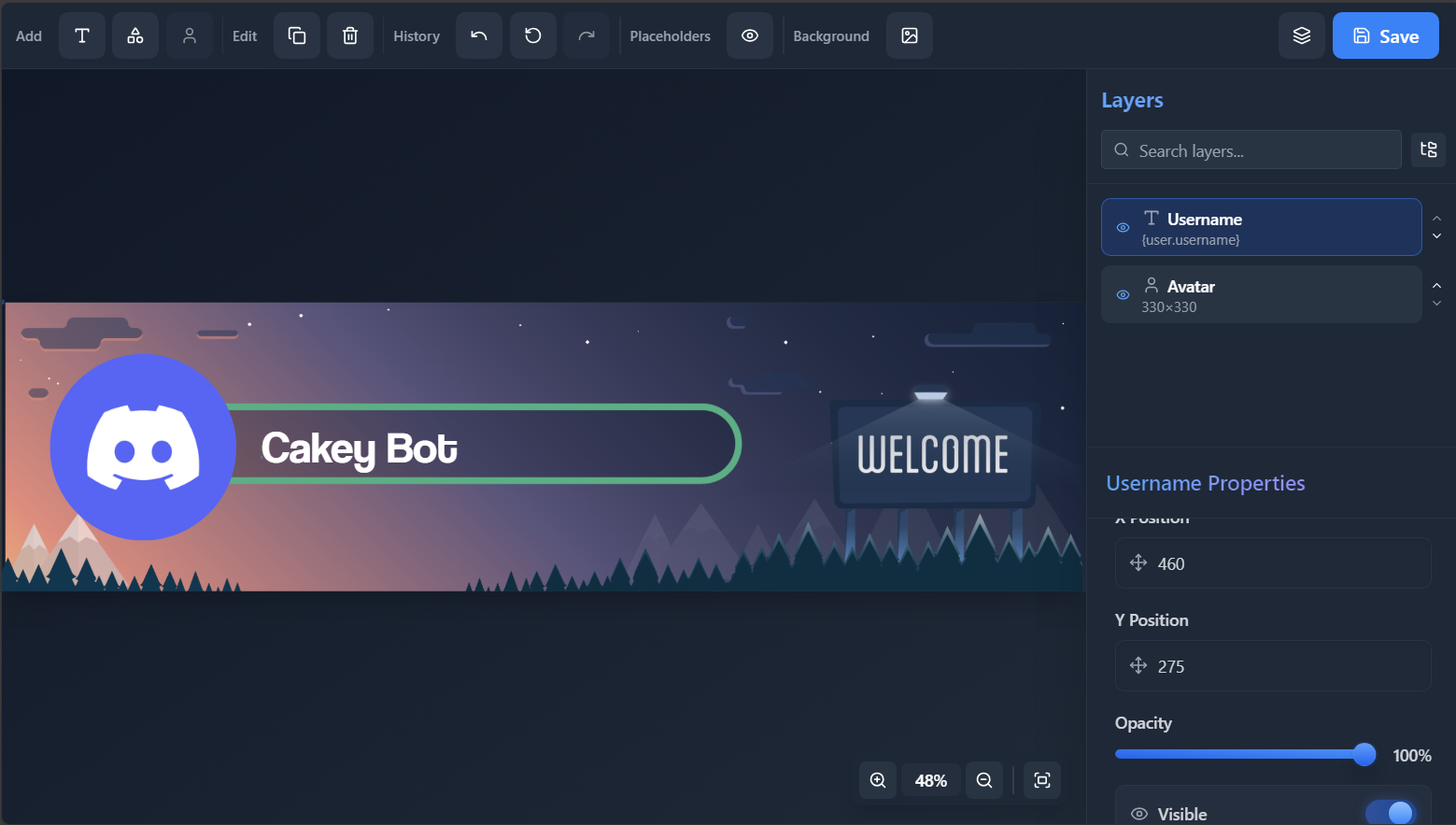
The recommended image size is Width: 1920 x Height: 512 for custom image banners.
Custom Embeds Premium Only
You can include an optional embed on announcements by following the steps below:
- Login to the dashboard.
- Open the Embed Editor and design your embed.
- Click Save (or Save As New) and give it a name.
- Select your saved embed from the Custom Embed dropdown on the Announcements page.
Custom embeds will work with all Basic Placeholders. You can find the list of supported placeholders here. Custom embeds will NOT work with the Advanced Placeholders.
Placeholders
Announcements will work with all Basic Placeholders. You can find the list of supported placeholders here.
Announcements will NOT work with the Advanced Placeholders.